 Topaz
Topaz
Budgeting that takes
10 seconds a day.
Topaz writes your monthly budget from a short conversation. After that, you log what you spend by typing it the way you would say it out loud. No spreadsheets. No receipts to file. No scrolling through category menus.
Free for manual tracking, permanently. Sign up early and get 20% off Premium.
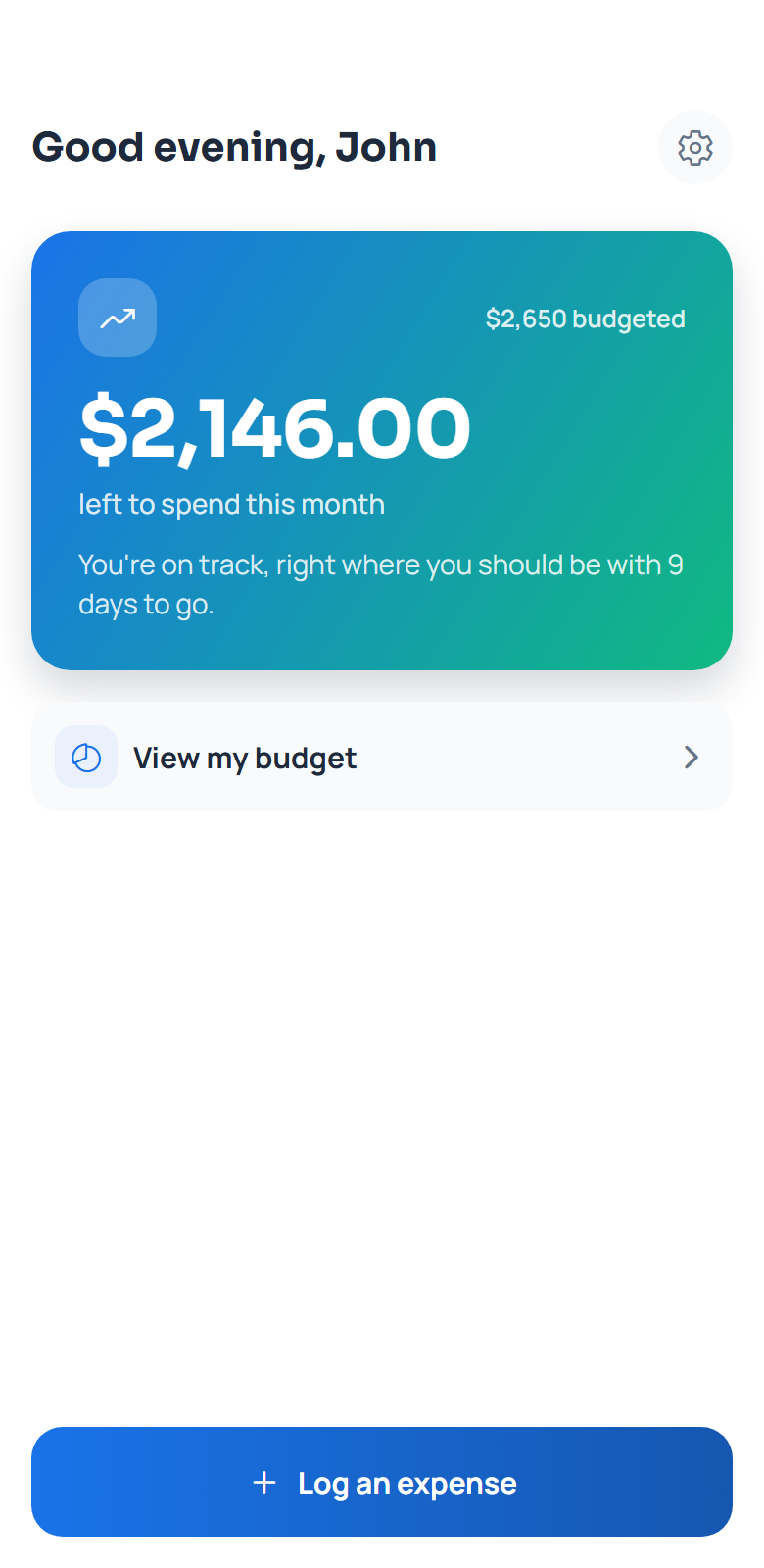
Three steps. That is the whole app.
Most budgeting apps ask you to become an accountant first. Topaz asks a few questions and then gets out of your way.
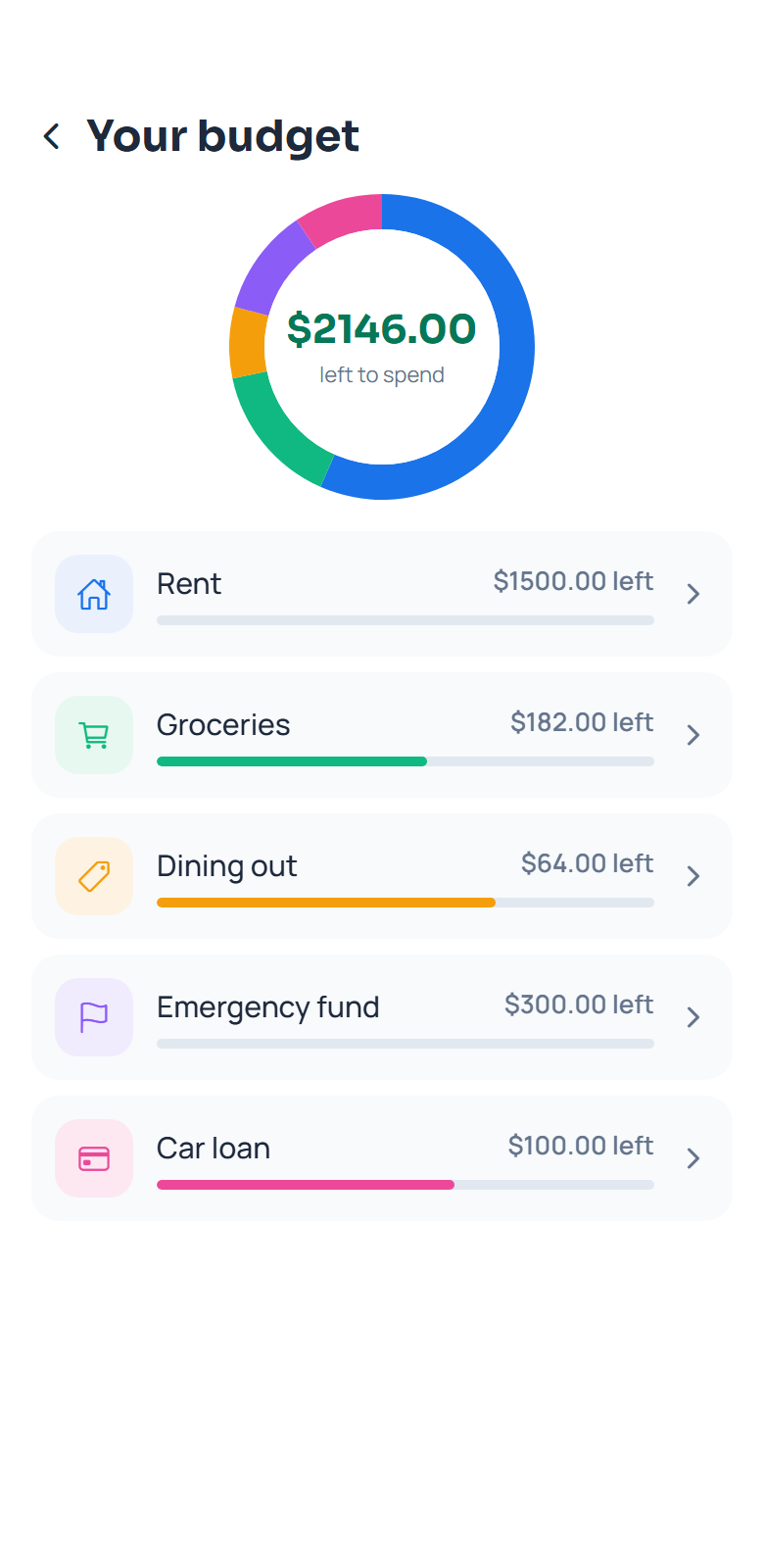
Sample conversation with made-up numbers
Different by construction, not by marketing.
Most budgeting apps fall into two camps: bank-linked trackers built for major-metro spending patterns, or spreadsheet templates that ask you to do the accounting yourself. Topaz is neither.
| Topaz | Most budgeting apps | |
|---|---|---|
| Bank connection | ✓Never required | Usually required, breaks often |
| Setup | ✓3 questions, about 2 minutes | Import history, categorize by hand |
| Logging an expense | ✓Type it like you'd say it | Amount field and category dropdown |
| Cost of living | ✓Estimated for your actual town | Tuned for a handful of major cities |
Built to be opened every day, not once.
A budget written for you
No blank spreadsheet to stare at. Answer a few questions and you have a real budget you can edit any time.
Plain English expense logging
Type what you spent. Topaz picks the amount and category, and shows you where it went before saving.
Goals and debts with real targets
Set an amount and a date. Watch the number move instead of guessing whether you are on pace.
- Automatic monthly reset. Balances roll over on the 1st on their own.
- Receipt scanning. Photograph a receipt and Topaz reads the total. Premium.
- Your data stays yours. No ads, no trackers, nothing sold. Delete it any time.
Start free. Pay only if you want the AI doing more of it.
Tracking your budget by hand costs nothing and always will. This is not a trial.
- 20 AI assisted logs a day
- Receipt scanning
- Rebuild your budget any time
- 14 day free trial, cancel any time
- Everything in Monthly
- 44% less than paying monthly
- One payment a year, no monthly noise
- 14 day free trial, cancel any time
- Everything in Monthly
- One payment, no subscription, no trial
- Nothing renews, nothing to cancel
Or stay on Free, forever. Unlimited manual logging, 3 AI assisted logs a day, goals, debts and monthly rollover. No card needed.
Questions people actually ask.
What do I get for signing up early?
20% off Premium (monthly or yearly), applied whenever you upgrade after launch, plus your spot to sign in the moment the app goes live. Use the same email you sign up with here.
Do I have to connect my bank account?
No, and you cannot, by design. Topaz works from what you tell it. That means no bank credentials to hand over, and it handles cash, split bills and everything else a bank feed tends to get wrong.
What happens when I run out of AI logs on the free plan?
Nothing breaks. Manual logging is unlimited on every plan, so you type the amount and pick a category yourself. The AI allowance resets the next day.
Is the free plan really free, or is it a trial?
Really free. No expiry, no card. Premium exists for people who want the AI doing more of the work: 20 AI assisted logs a day instead of 3.
What if it files something in the wrong category?
It tells you where it filed the expense immediately, with a one tap way to move it. You can also correct any past transaction from that category's history.
Know where your money went.
Without the spreadsheet.
Sign up now, get 20% off Premium for being early.
Get early access